Components
Picture
The picture component can display an image with additional information.
Contents
HTML
<figure class="tna-picture" data-module="tna-picture">
  <div class="tna-picture__image-wrapper tna-background-tint">
    <picture>
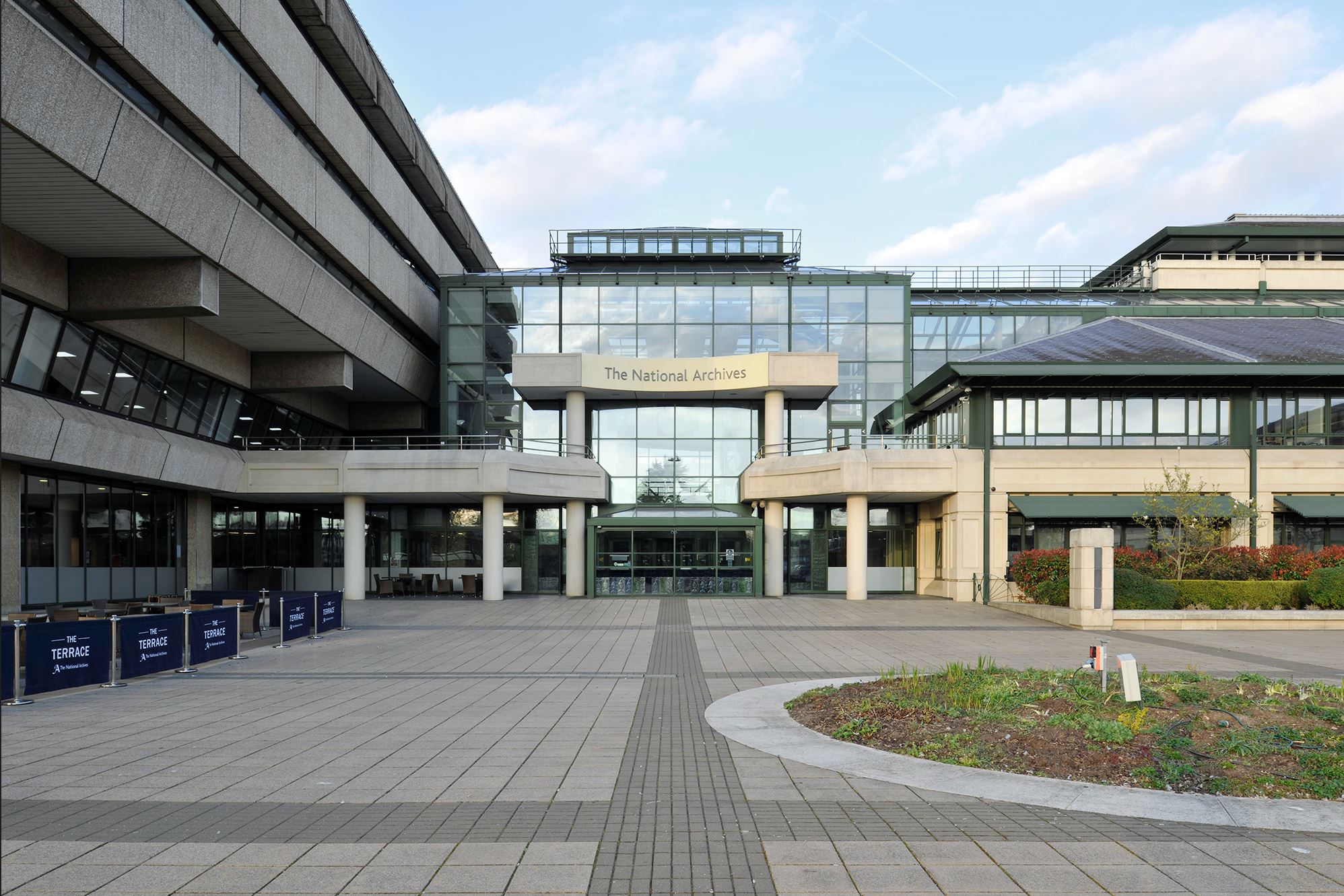
      <img class="tna-picture__image" width="1996" height="1331" src="https://www.nationalarchives.gov.uk/wp-content/uploads/sites/24/2023/07/tna-building-compress.jpg" alt="The front of the National Archives building" loading="lazy">
    </picture>
  </div>
  <figcaption class="tna-picture__caption">
    <p>The front of the National Archives building in Kew, formally the Public Records Office</p>
  </figcaption>
</figure>
Nunjucks
Nunjucks options
| Name | Type | Description |
|---|---|---|
| src | string |
Required. The URL of the image. |
| alt | string |
Required. Alternative text for the image. |
| width | number |
Required. The width of the image in pixels. |
| height | number |
Required. The height of the image in pixels. |
| sources | array |
Alternative sources of the image. |
| caption | string |
An optional caption for the picture. |
| informationLabelOpen | string |
An optional label for the button which shows information about the picture. Default value: |
| informationLabelClose | string |
An optional label for the button which hides information about the picture. Default value: |
| informationItemHeadingLevel | number |
The heading level which represents an element from |
| information | array |
A list of information tabs related to the picture. |
| classes | string |
Classes to add to the picture. |
| attributes | object |
HTML attributes (for example data attributes) to add to the picture. |
| Name | Type | Description |
|---|---|---|
| src | string |
Required. The URL of the image. |
| type | string |
Required. The MIME type of the image. |
| media | string |
A conditional media rule for the image. |
| width | number |
The width of the image in pixels. |
| height | number |
The height of the image in pixels. |
| Name | Type | Description |
|---|---|---|
| id | string |
Required. A unique ID for the picture information item. |
| title | string |
Required. The title of the picture information item. |
| body | string |
Required. The body text of the picture information item. |
{% from "nationalarchives/components/picture/macro.njk" import tnaPicture %}

{{ tnaPicture({
  src: "https://www.nationalarchives.gov.uk/wp-content/uploads/sites/24/2023/07/tna-building-compress.jpg",
  alt: "The front of the National Archives building",
  width: 1996,
  height: 1331,
  caption: "<p>The front of the National Archives building in Kew, formally the Public Records Office</p>"
}) }}
Jinja
Important information
{% from "components/picture/macro.html" import tnaPicture %}

{{ tnaPicture({
  "src": "https://www.nationalarchives.gov.uk/wp-content/uploads/sites/24/2023/07/tna-building-compress.jpg",
  "alt": "The front of the National Archives building",
  "width": 1996,
  "height": 1331,
  "caption": "<p>The front of the National Archives building in Kew, formally the Public Records Office</p>"
}) }}
Component status
Image sizes
Picture components need to show the entire image so they are free from aspect ratio restrictions.
Ensure the longest side of the image is no more than 900px.